
Keep Your Medical File Organized with the Archive Feature
When working through a large medical file, it’s easy for old or duplicate documents to clutter your workspace. The archive feature helps you keep only what matters front and center by moving less relevant items out of sight - but always within reach if you need them later.
Step 1: Find the Archive Collection
Look for the archive at the far right of your collections list, just below the Download button.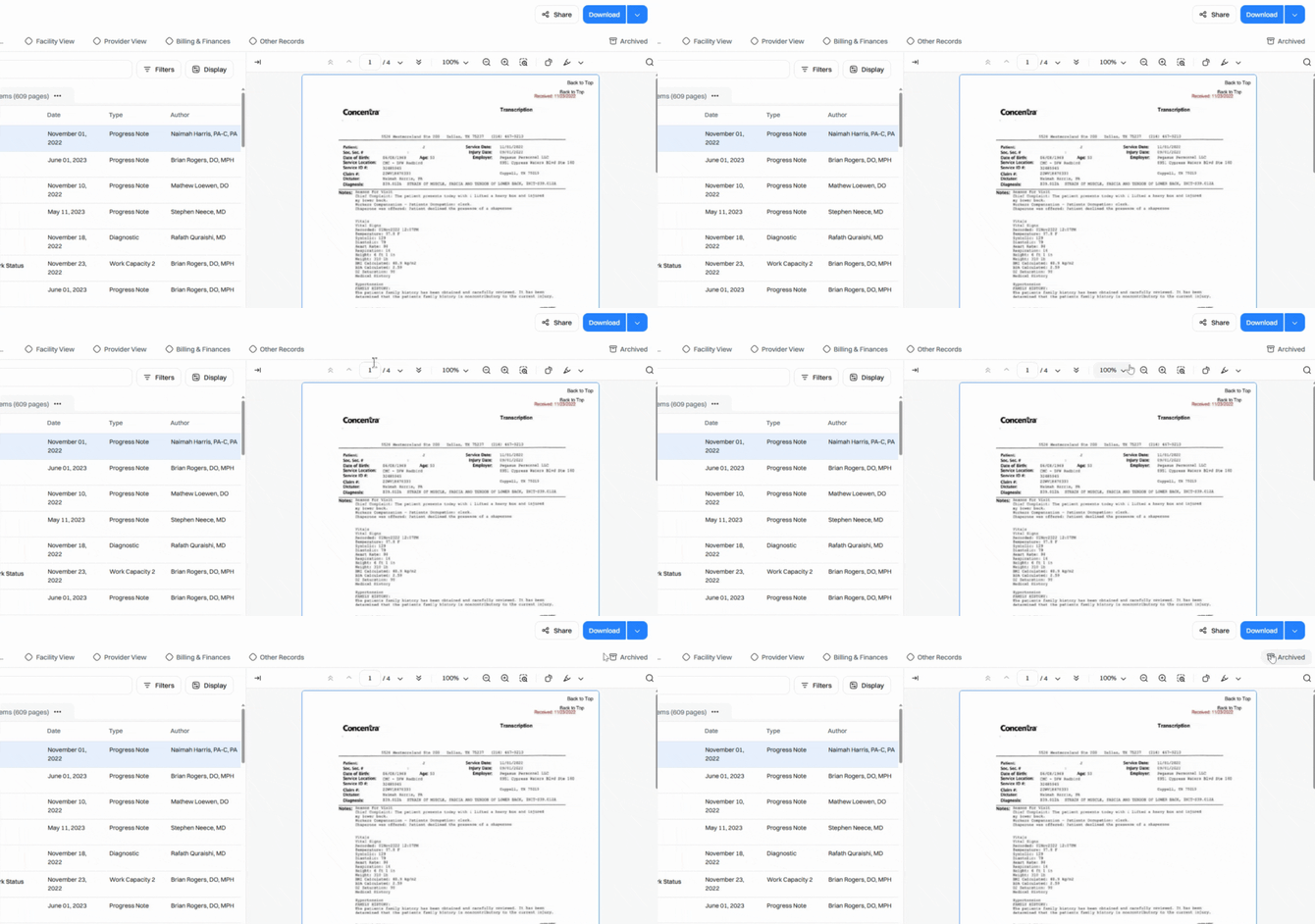
The archive collection will always contain:
- Manually Archived Items – Documents you've chosen to archive yourself by selecting them and clicking the Archive button.
Additional documents may appear here based on your account setup, such as exact duplicates.
Think of the archive like a trash bin—documents aren’t deleted, just tucked away so your collections stay clean and focused.
Step 2: Manually Archive Documents
To archive a document yourself, select the checkbox next to its name.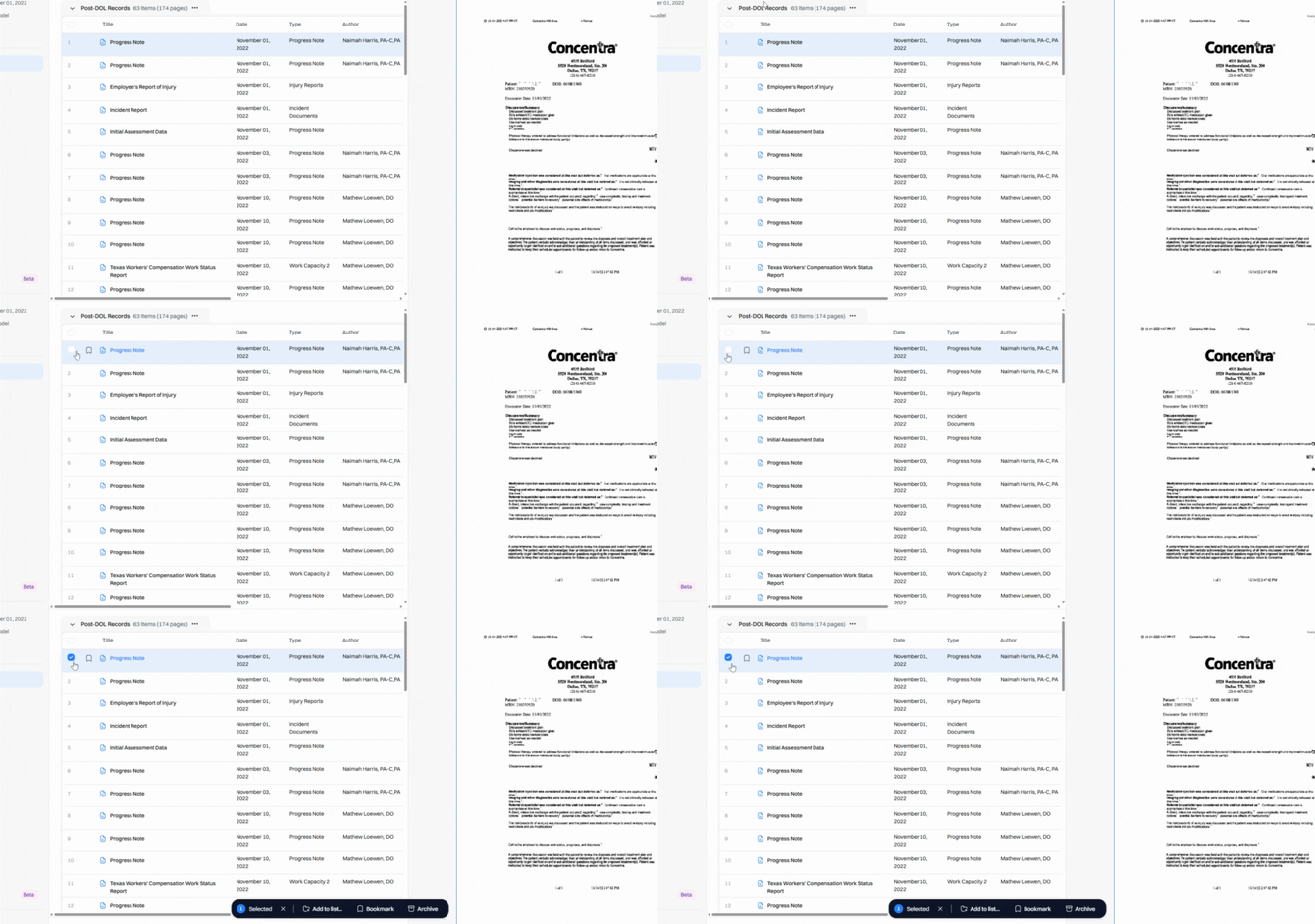
Then click Archive in the toolbar menu.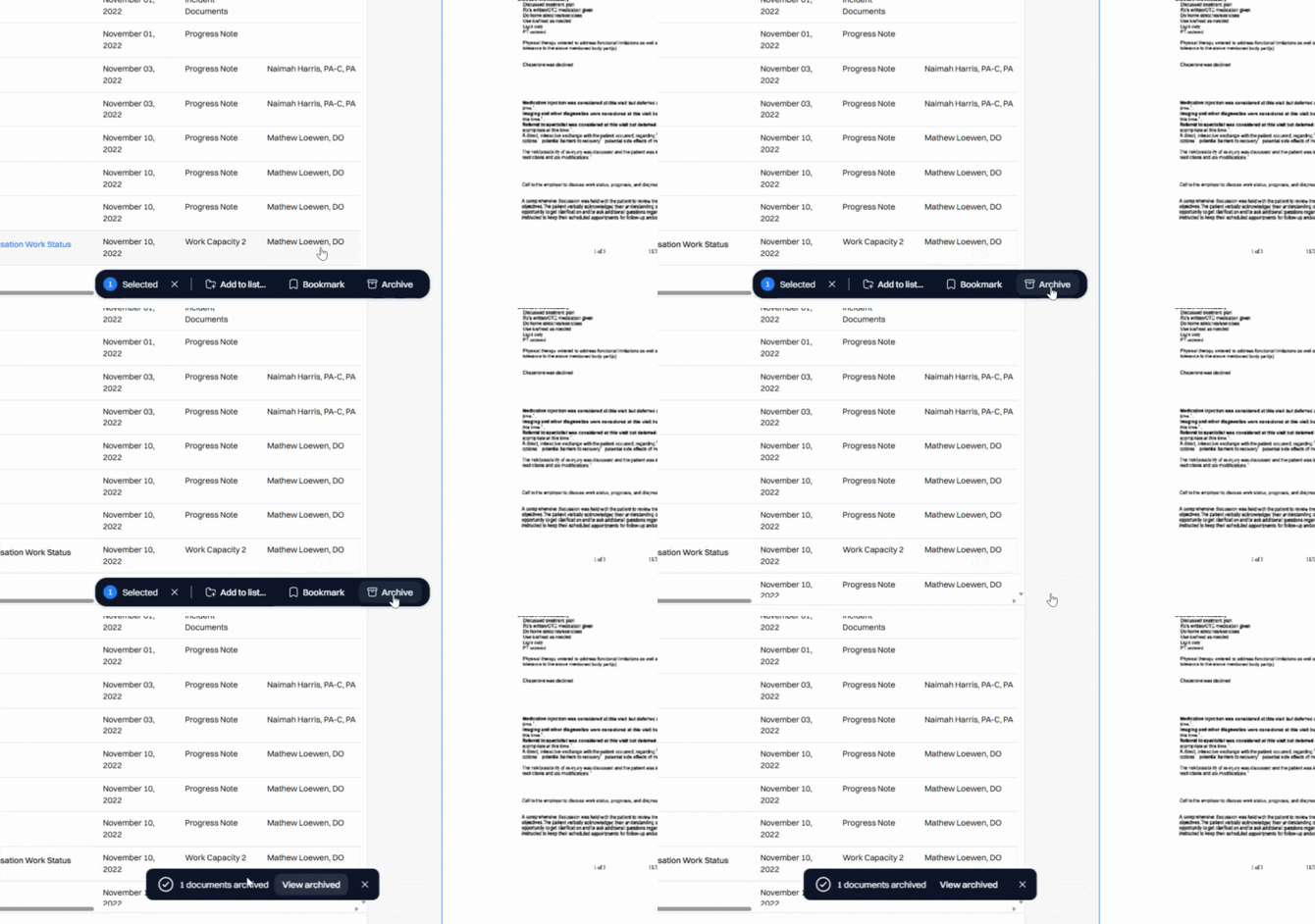
This is handy if a document’s no longer relevant to a claim or if it’s a near duplicate that wasn’t caught automatically. Once archived, the document moves out of your main collections and appears only in the Main and Archived Collections.
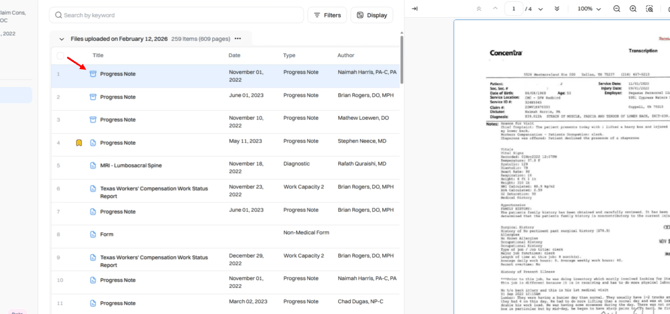
Archived documents show an archive icon so you can spot them easily.
Step 3: Restore Archived Documents
Changed your mind or made a mistake? Restoring is simple. Head to the Archive or the Main Collection, select the checkbox on the document you want to restore, and click Restore in the action toolbar.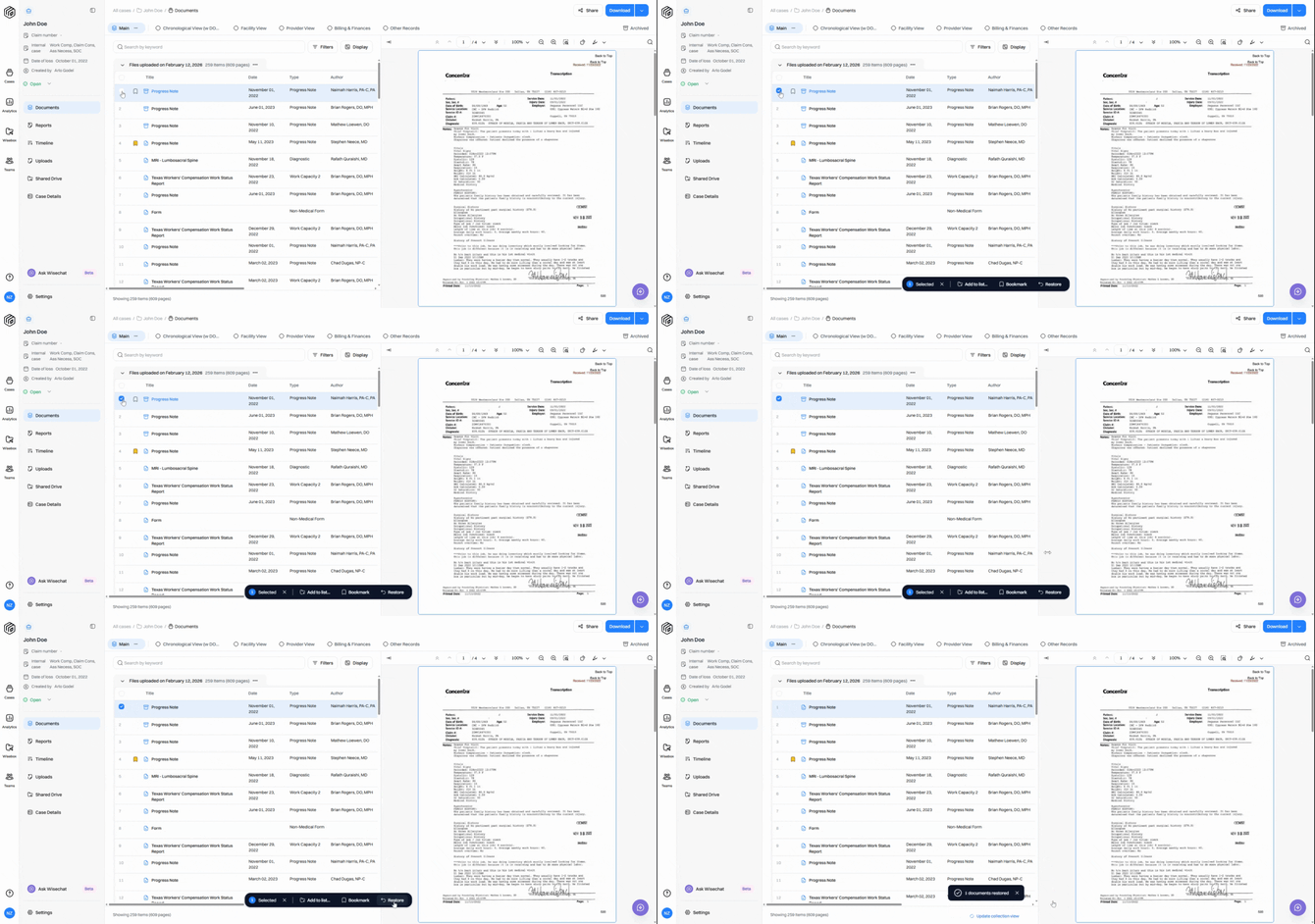
Step 4: Update Collection View
After making any changes to documents, be sure to click Update Collection View. This quickly refreshes the view so your updates are immediately visible.
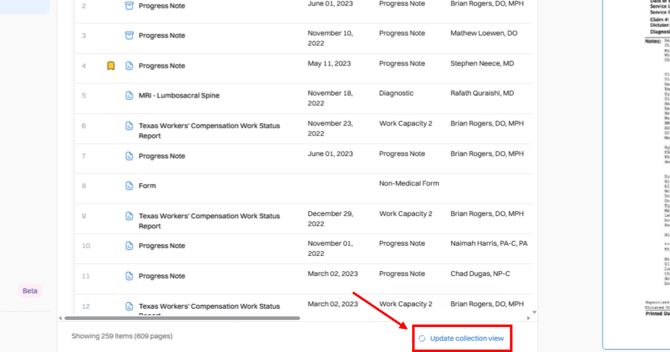
Restored documents return to all collections where they belong, instantly making them available again.
Use the archive to help you maintain a tidy workspace - while still holding onto everything in case you need it later.