
Customize your Wisedocs Case View for Efficient Record Review
Everyone reviews records a bit differently, and Wisedocs lets you tailor your workspace to fit your needs. With display customization options, you decide exactly what information shows up and how it’s arranged—making your review process faster and more comfortable.
Follow these steps to set up your perfect workspace:
Please Note: This video is recorded using a demo account, so some aspects of the account may look different than yours based on your account setup and the features you have access to.
Step 1: Click into a case.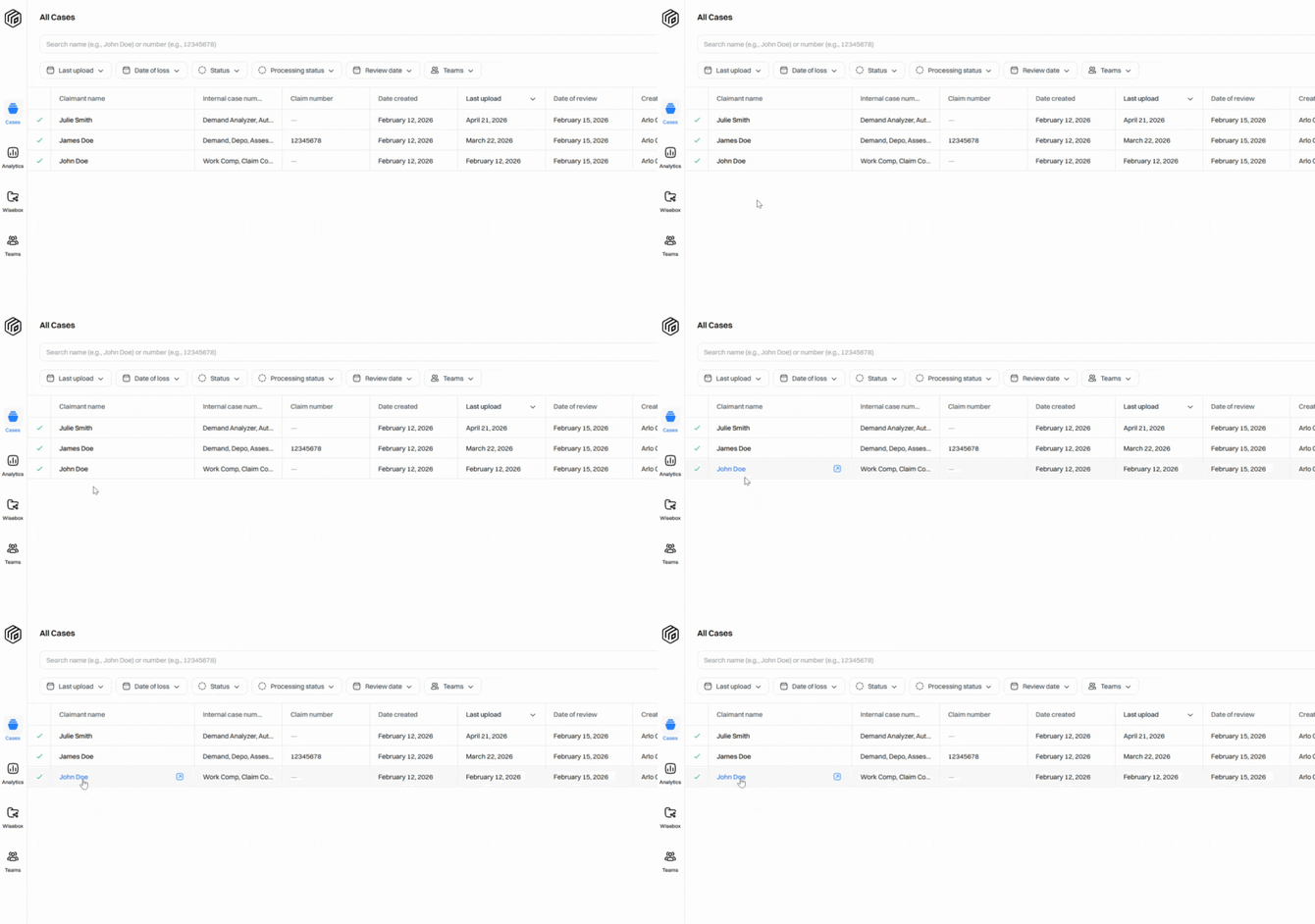
Step 2: Find the Display Options button next to the filters at the top of your collection. 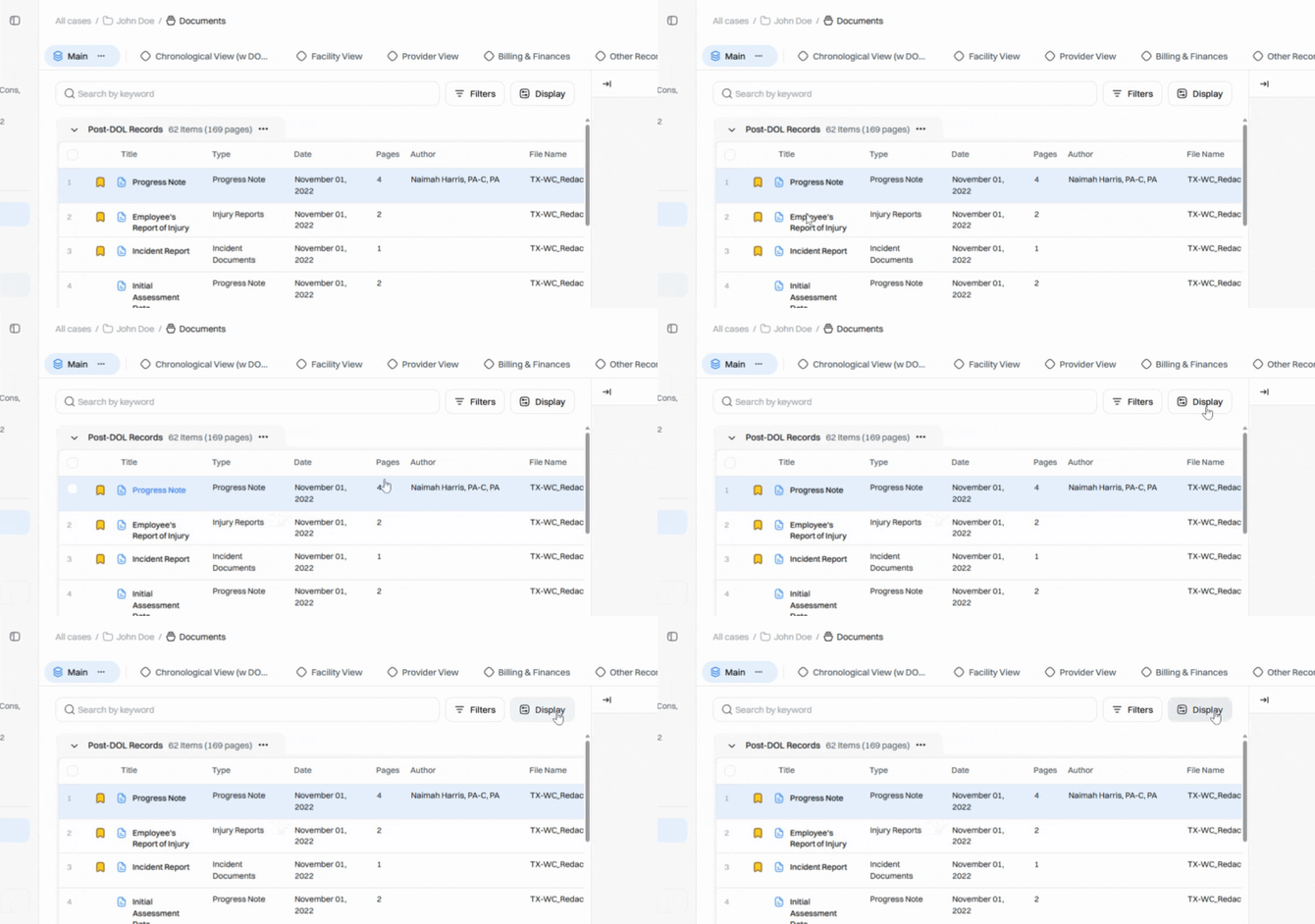
Step 3: Click Display Options to open the customization panel. You’ll see a list of available columns to enable or disable for the index table. 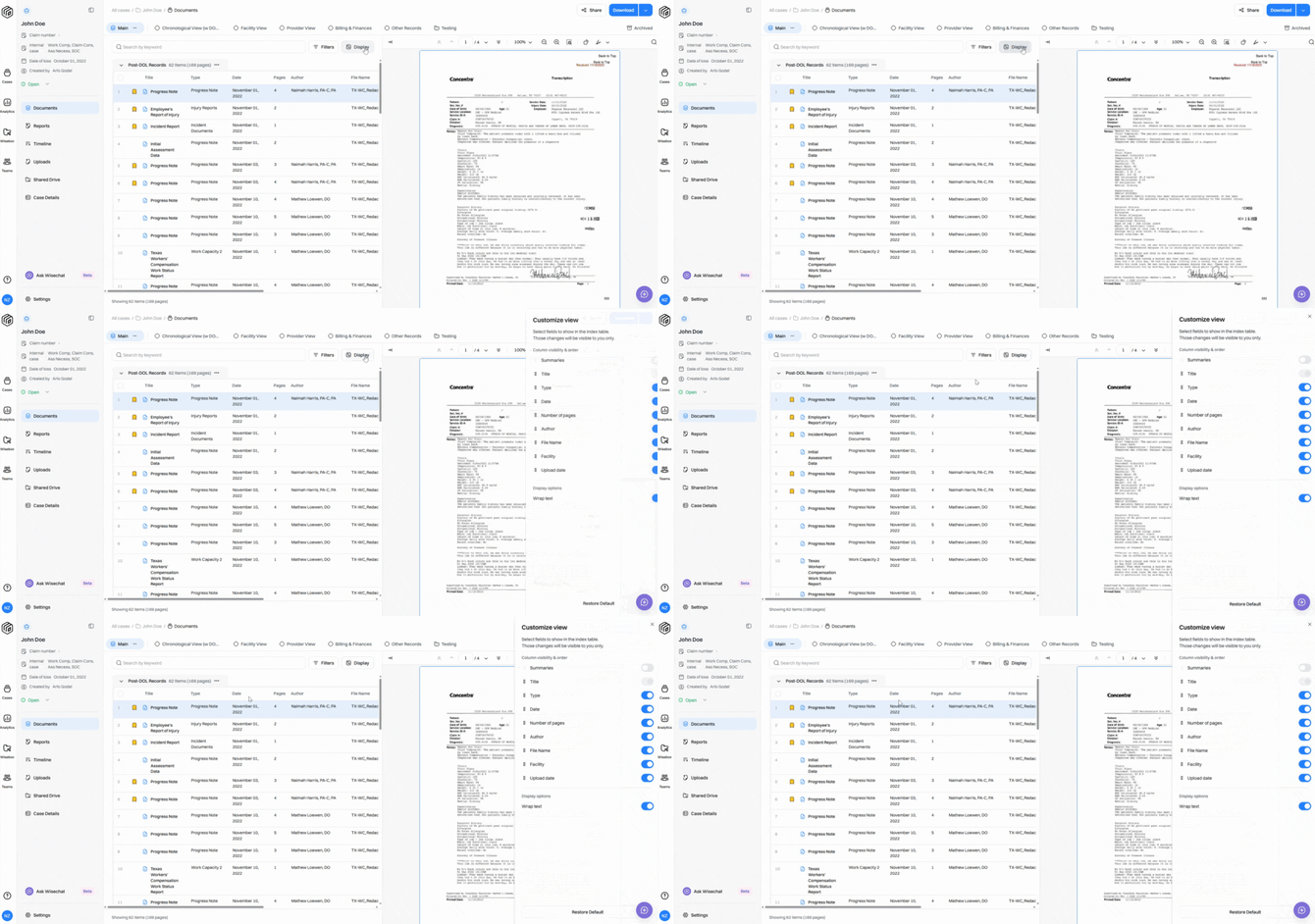
Step 4: Toggle columns on or off by clicking the switch next to each column’s name. Only the columns you enable will appear in your table. 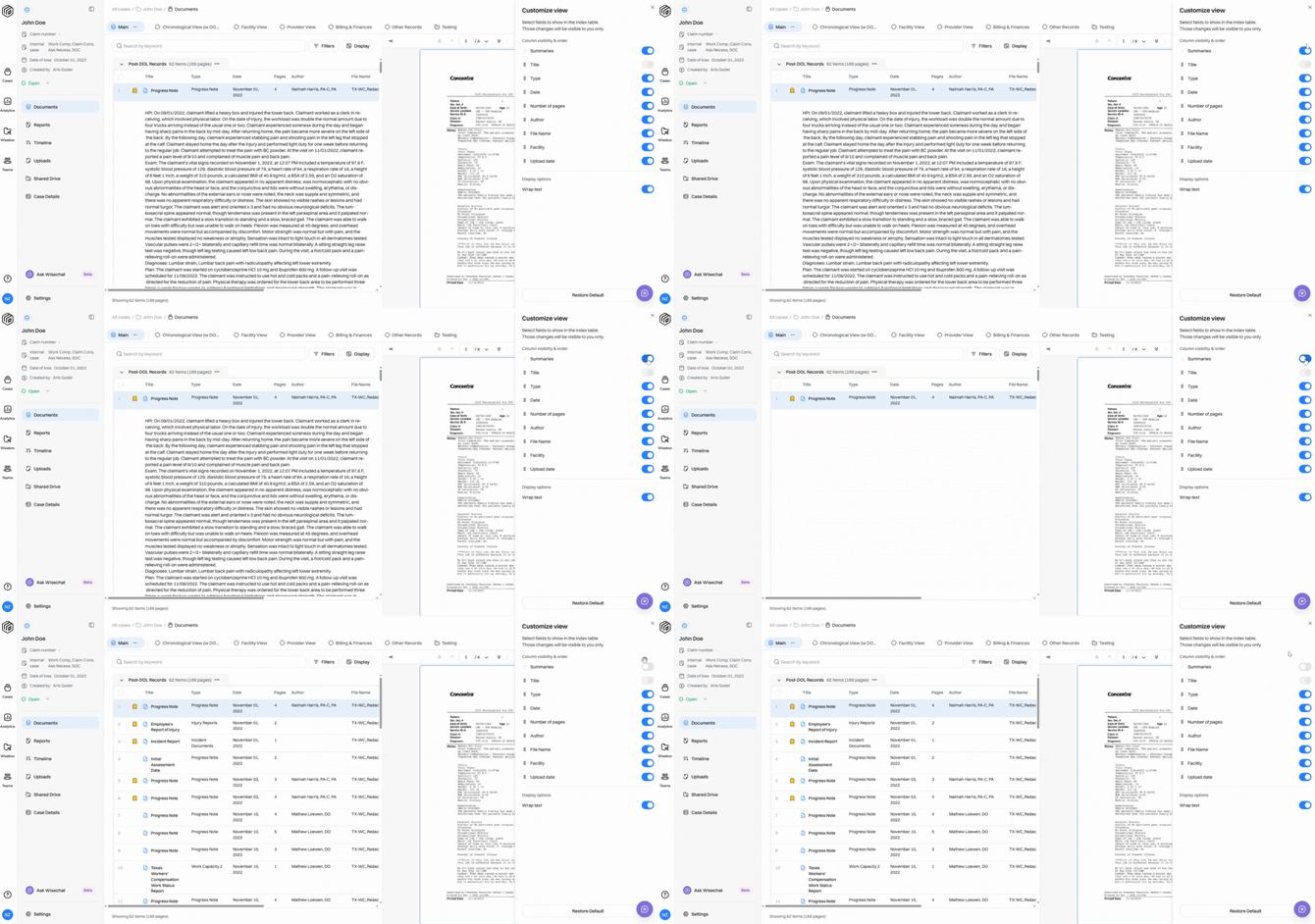
Step 5: Want to see your summaries? Toggle the Summaries column on. 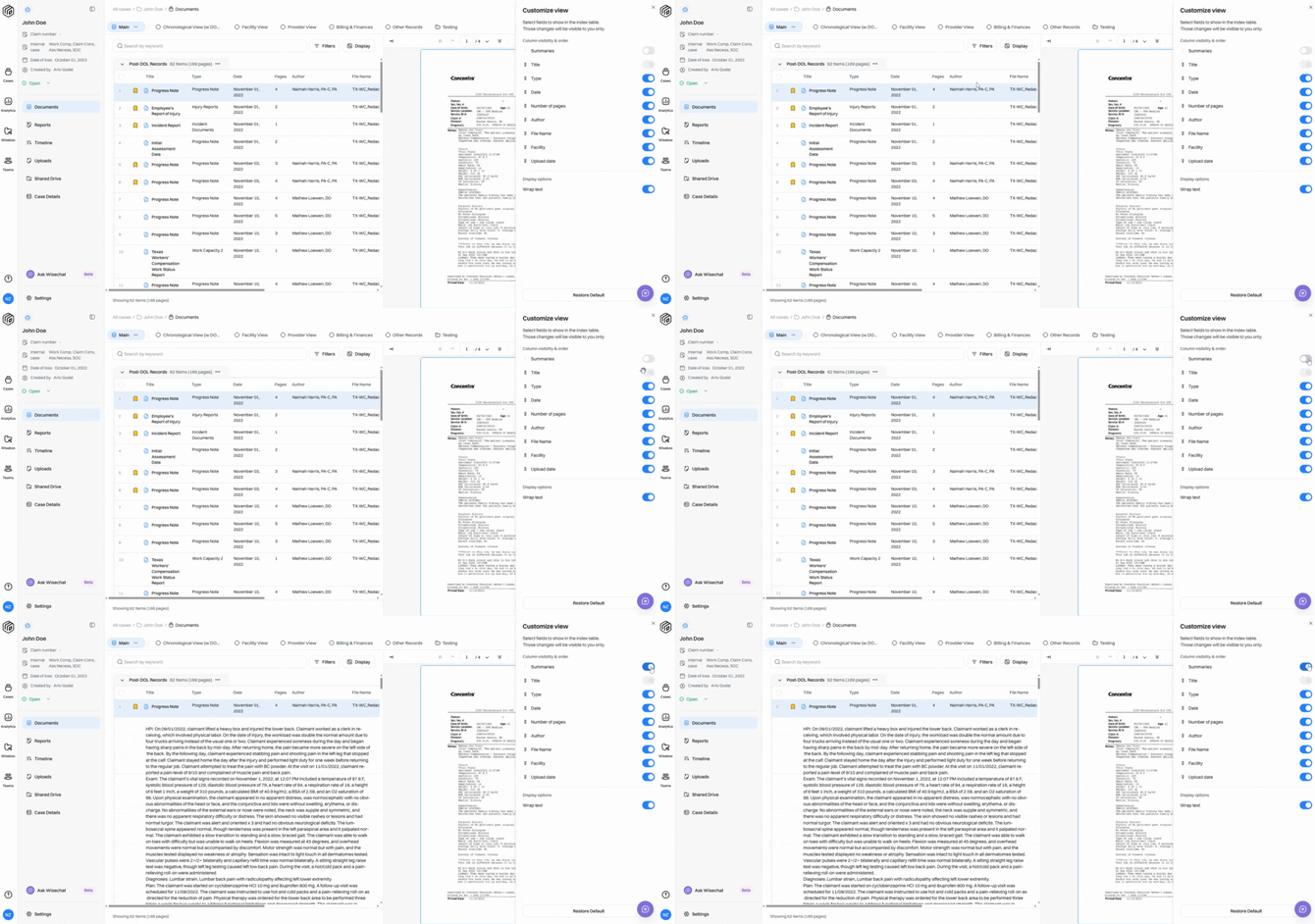
Step 6: Rearrange the order of your columns by dragging the dotted icon beside each name up or down. This changes the left-to-right order in your collection view.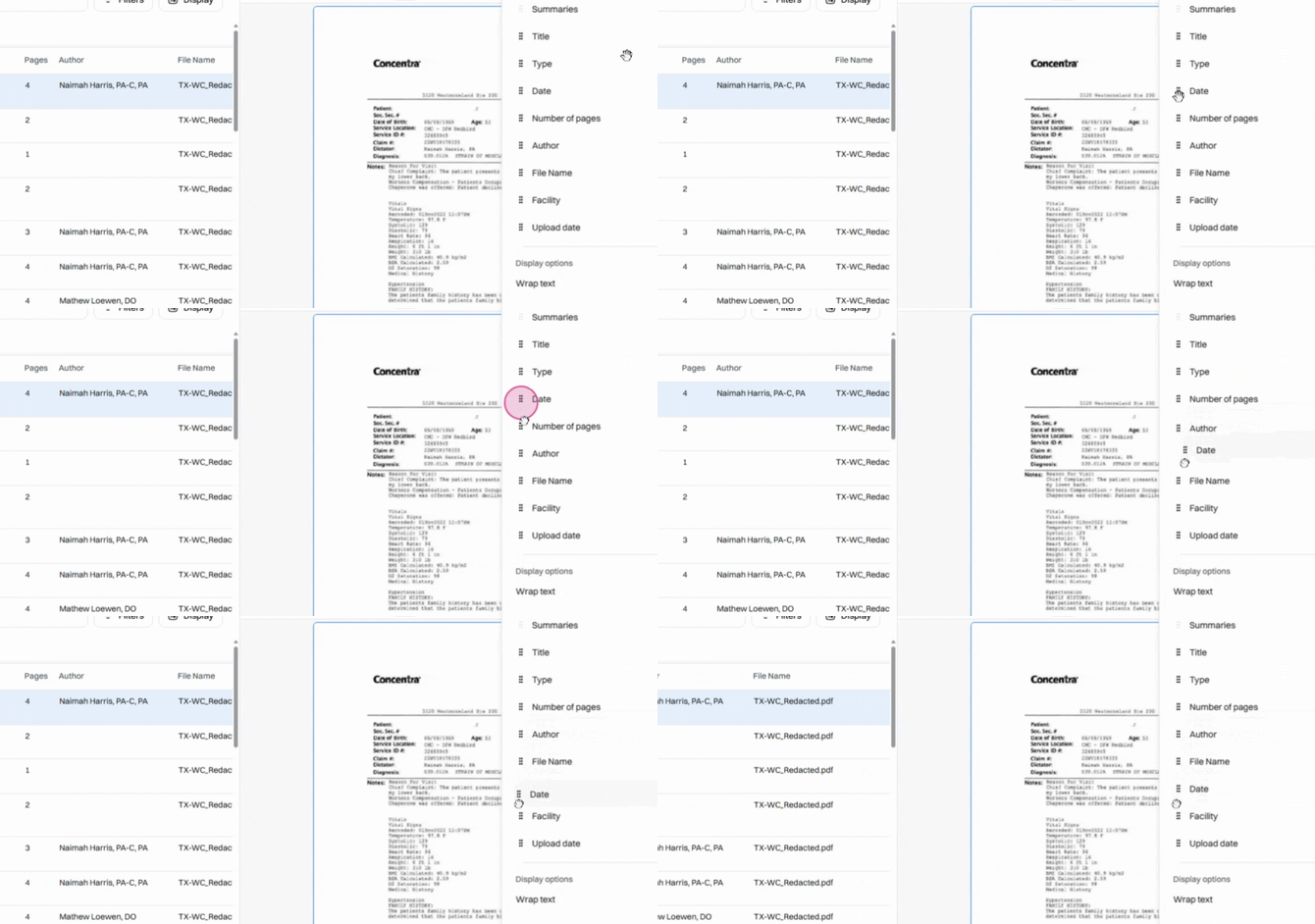
Step 7: Use Wrap Text to control how long text appears in a narrow column—either wrapping onto multiple lines or being cut off. 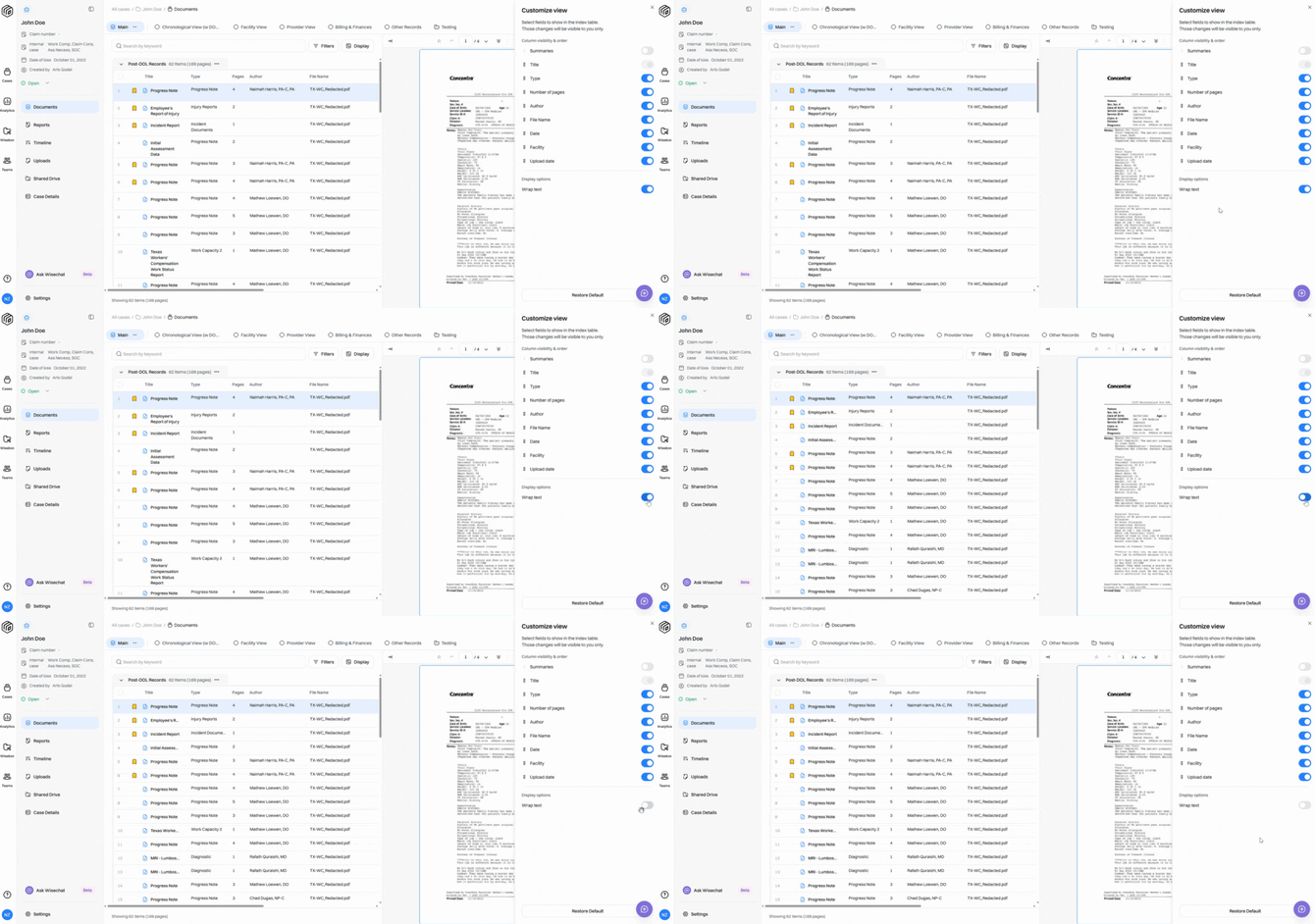
Step 8: Click Restore Default any time to reset your view to the default settings. 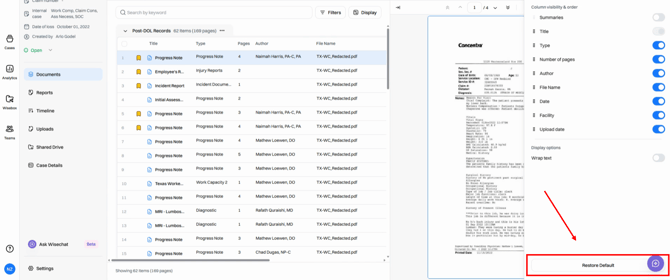
Step 9: Adjust column widths by clicking and dragging the divider lines between column names until each column is just the right size.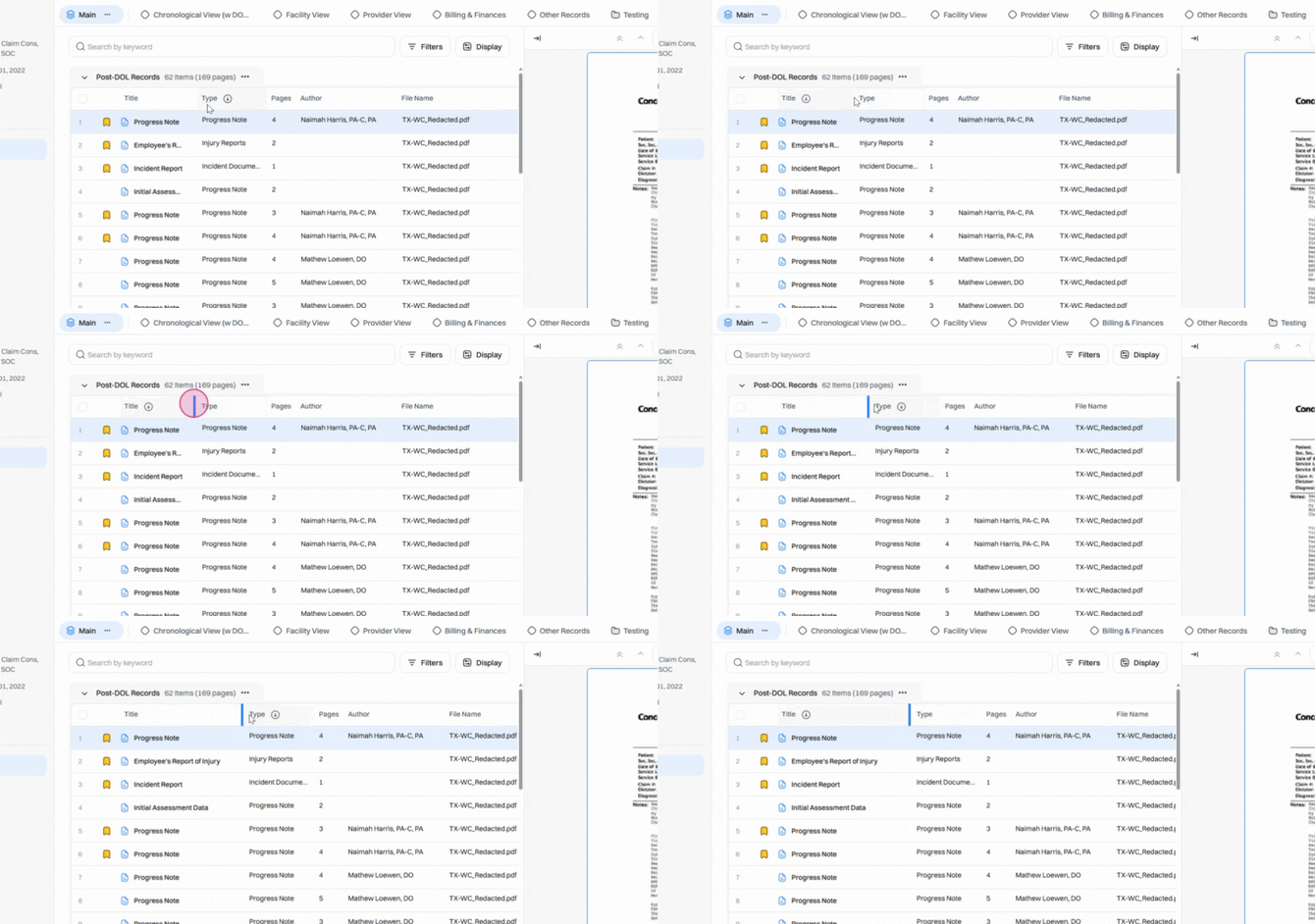
Customizing your display in Wisedocs isn’t just about looks—it means you see exactly what you need, right where you want it. Any changes to your view will be reflected if you choose to download your collection, so your downloaded data matches your screen. Taking a few minutes to personalize your workspace can make reviewing records smoother and more efficient.