
You can permanently delete a case when you no longer need it. Make sure you are certain you no longer need a case, because case deletions are permanent and cannot be undone.
Deleting a case
On the left side of the Cases page under 'Case Info', you will find the 'Danger Zone'. The Danger Zone contains warnings about case deletions and the Delete Case button.
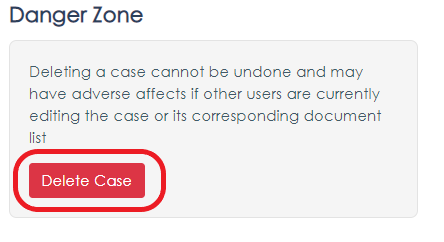 To delete a case:
- Click on the Delete Case button
- A Confirm Case Deletion pop-up will appear
- Fill in the specified information
- Click on the Confirm Case Deletion button to delete your case
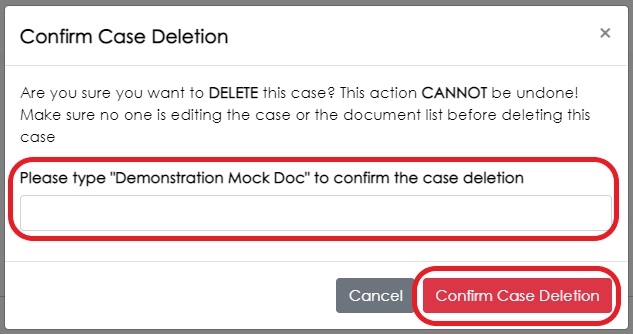
Warning: Case deletions are permanent and cannot be undone. Please make sure you are certain you do not need a case before deletion.