
Navigating Documents Within Collections
When working through a medical case, both time and context matter. Quickly understanding where a document lives, why it’s organized that way, and how to navigate records will make your review confident instead of frustrating. Here’s how to use Wisedocs collections to find what you need fast, and move through your review efficiently.
Step 1: Click into a case once your records have been processed in Wisedocs. 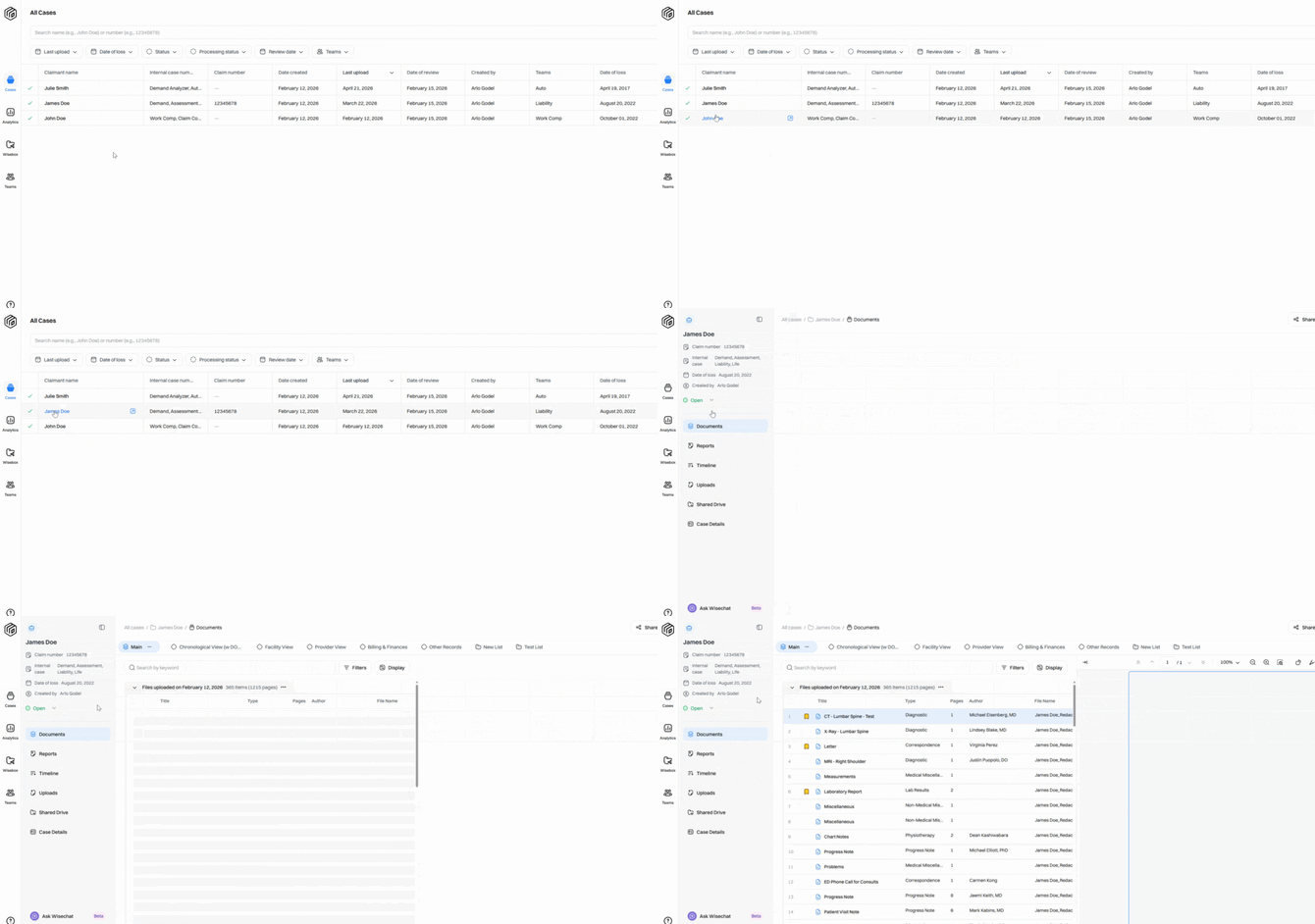
Step 2: Start your review in the Documents section.
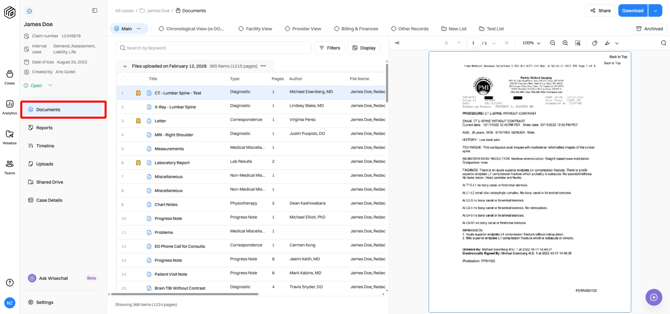
Step 3: Records are organized into Collections. Collections give you different ways to view the same documents. Collections are also dynamic and synced. If you edit a record in one collection, it updates everywhere.
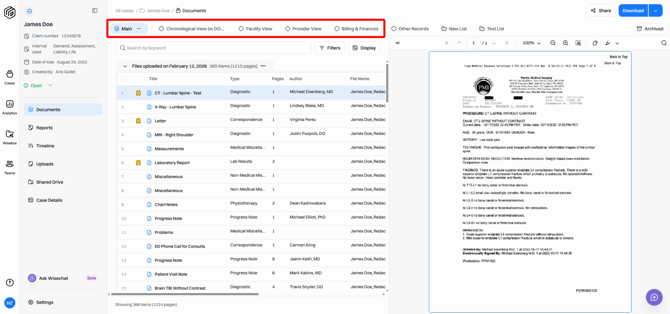
Please Note: The collections available depend on your account setup, so you might see options different from the examples shown.
Step 4: The first collection you’ll always see is Main. This shows documents in the order they were uploaded to the case, grouped by batch. Review documents in Main to see the true order in which they were received. 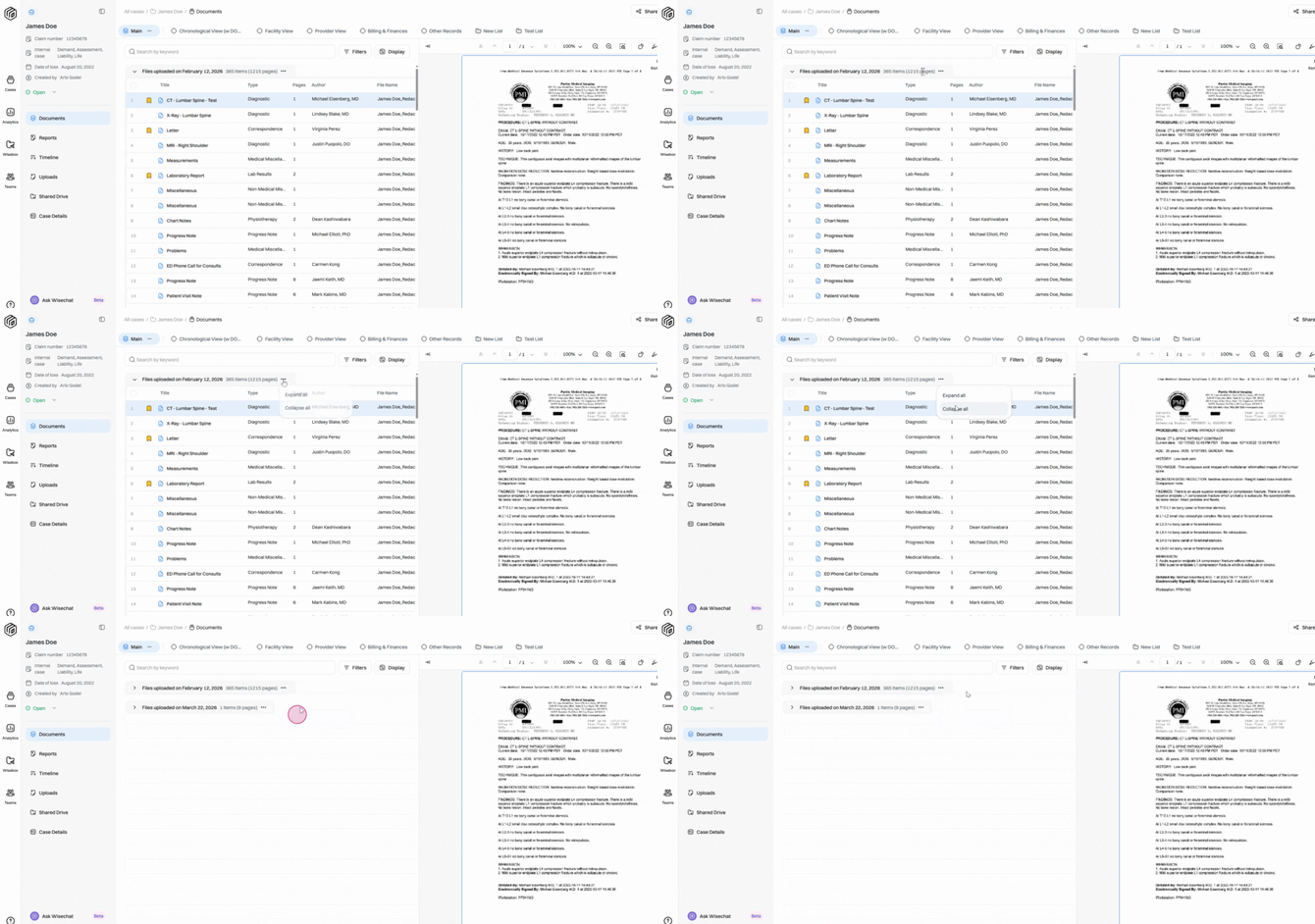
Step 5: Explore additional collections, such as Chronological. The Chronological collection organizes documents from earliest to latest and often separates records based on date of loss. 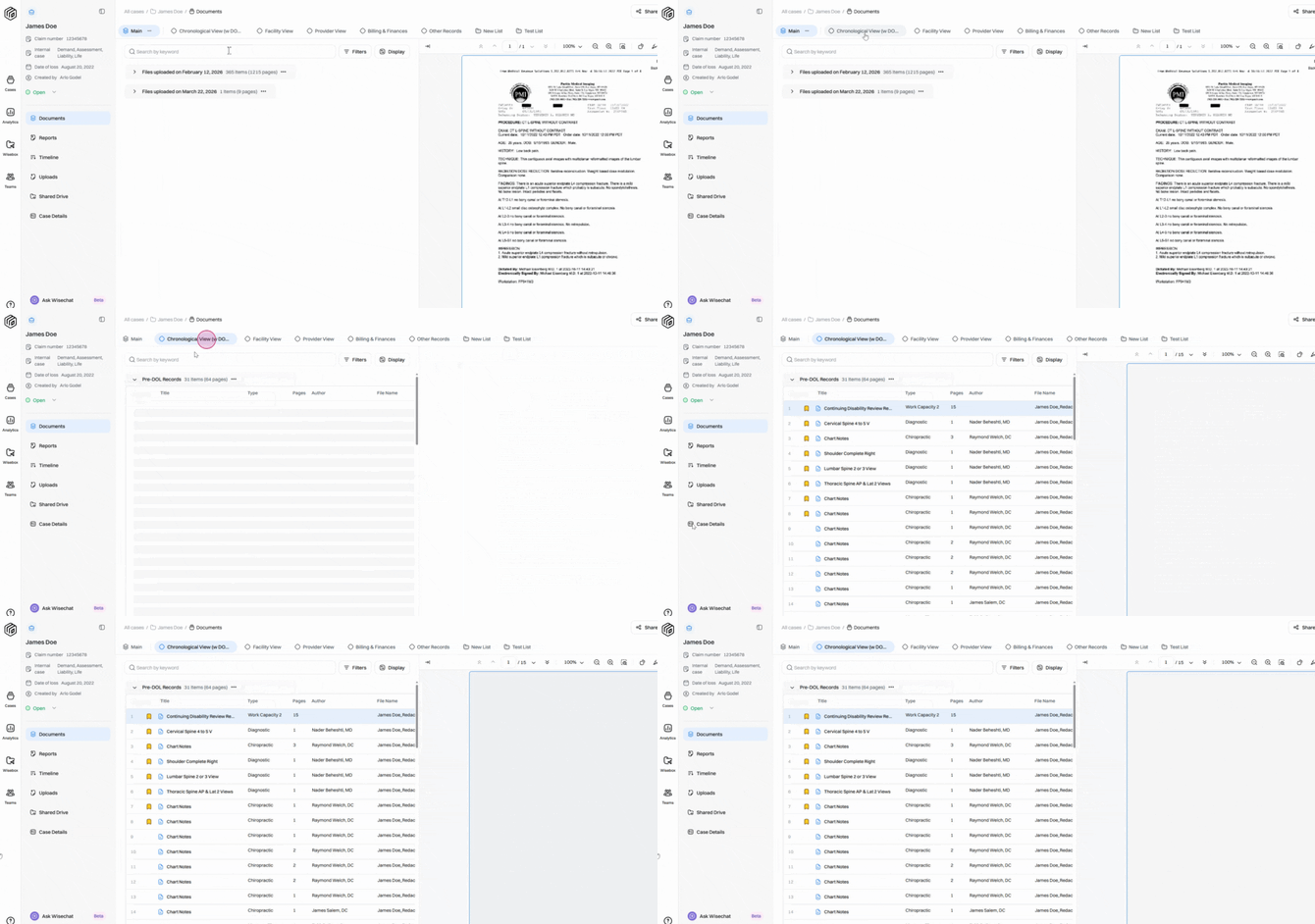
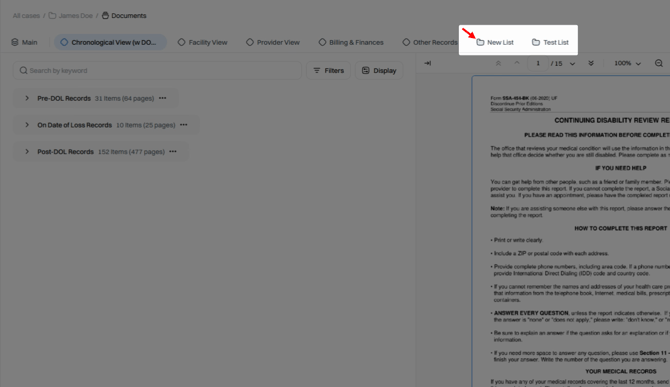
Step 6: You can create and customize Saved Lists. Saved lists appear next to preset collections and are marked with a folder icon for easy identification.
Step 7: Find the Archive collection at the rightmost side of the collections list under the Download button. The Archive contains manually archived items—documents you’ve selected and archived. Additional documents, like exact duplicates, may appear here depending on your setup. Think of Archive like a trash bin; documents aren’t deleted, just tucked away to keep your main collections clean. 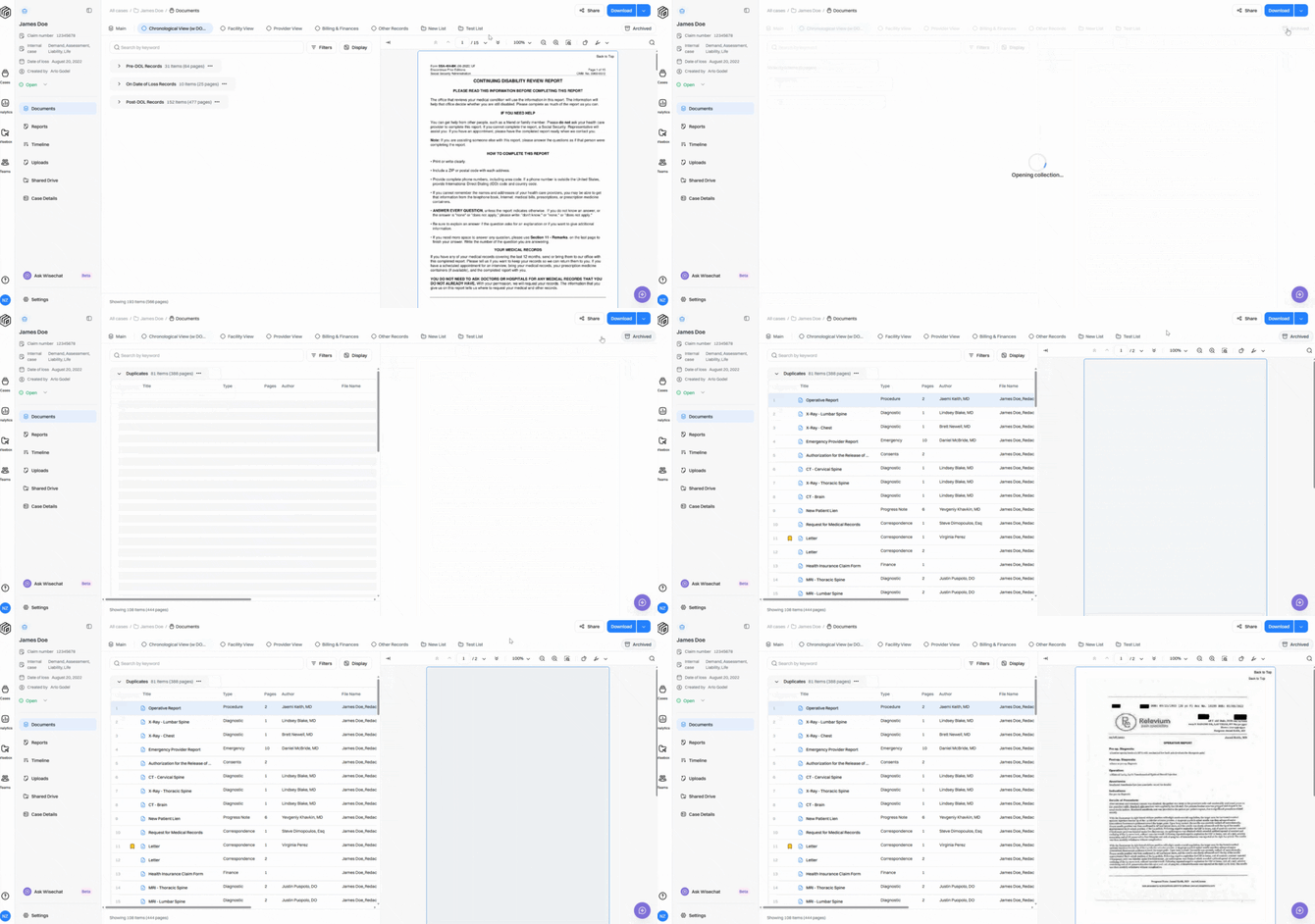
Move through your collections as needed to keep your review streamlined and focused. Each collection is tailored to quickly bring the right information forward, so however you like to work, Wisedocs keeps you organized and efficient.