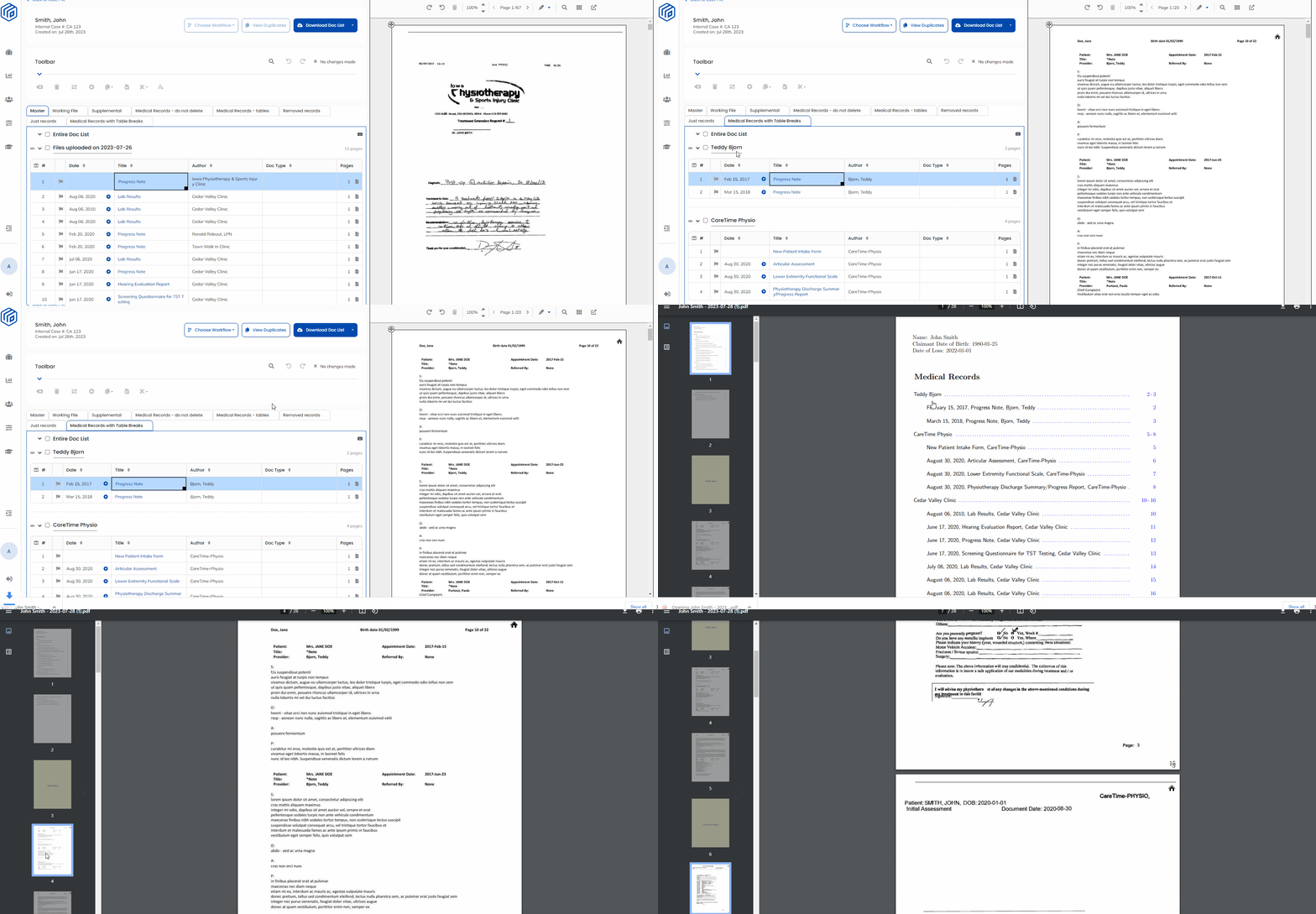
With this feature, our platform will automatically add page breaks directly into your PDF Output that correspond with your custom table titles - making it easier to segment and sort your medical records!
With added Page Breaks in your PDF Output, it has never been easier to decipher medical records during the review process! This automatic feature incorporates a visual way to comprehend the different pre-determined tables created in your Wisedocs Doc List, ultimately refining the review process for effortless navigation by your team.
What Is Page Breaks?
With this feature, when you create a new table in your Doc List, our platform will automatically add a page break title page in the PDF output between each table with the title of the following section.
For example: A table created with the title "Teddy Bjorn" will have a title page added directly into the PDF with the title "Teddy Bjorn" at the beginning of the section.
How to use Page Breaks
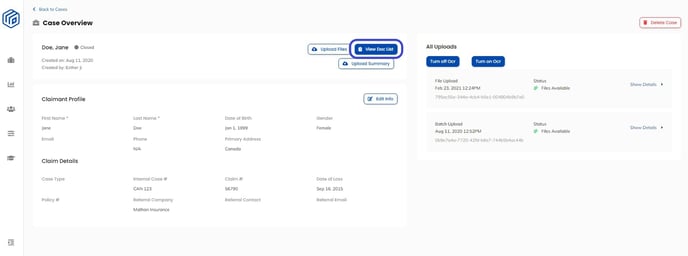
- Navigate to your Doc List through your Case Overview page and select the "View Doc List" button

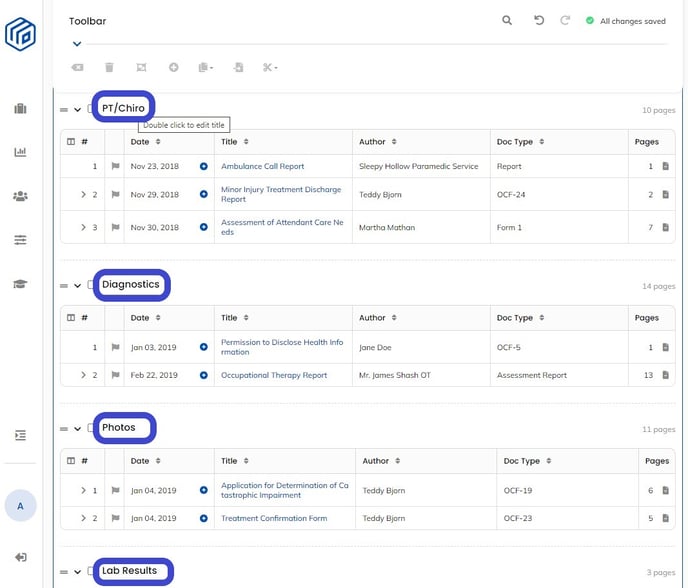
- Double click the table title you wish to edit and input your custom table title. Note that any edits made to the Master Doc List will create a new Doc List.
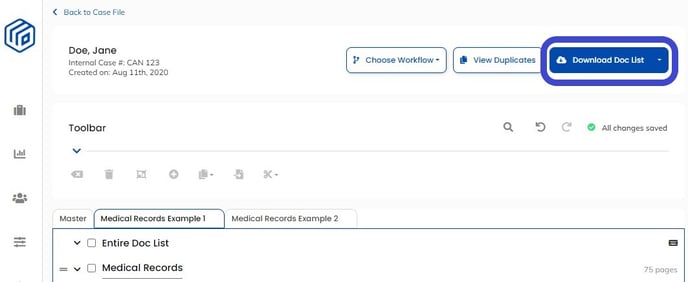
- Download your Doc List by selecting the "Download Doc List" button in the top right of the screen

- Your PDF output will now have automatic page breaks inserted between the documents within each table with the corresponding table title.
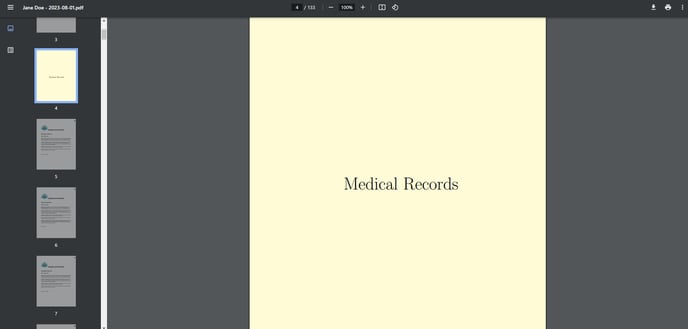
See Below for a Demo