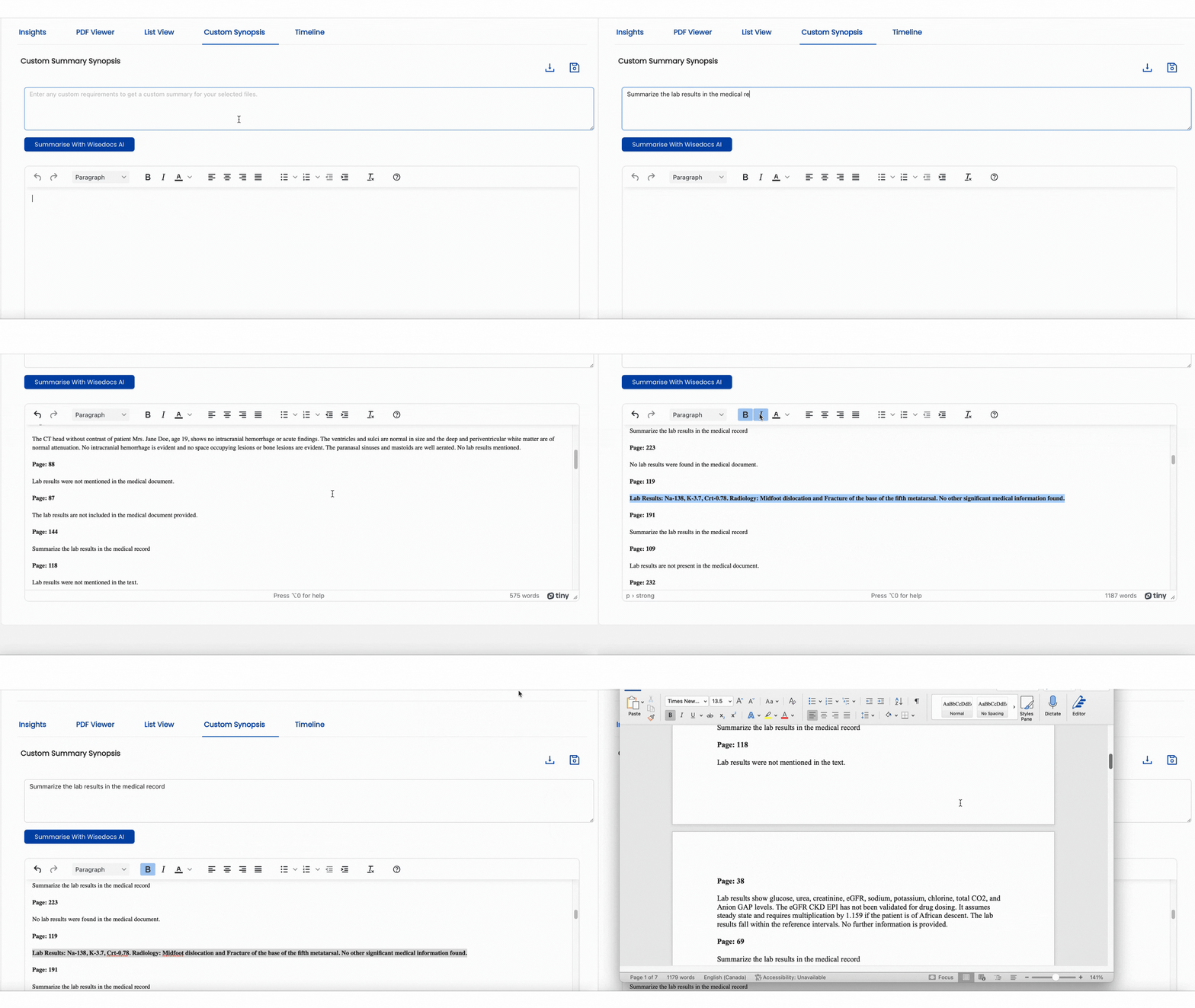
Wisedocs' Insights Platform allows users to enter any custom requirements to get a generated summary of your selected medical documents, including the page numbers of all associated source documents.
How to Navigate to List View
- Within the Wisedocs Insights platform, you will see the "Custom Synopsis" feature in the top toolbar.
- Select "Custom Synopsis" to access the Custom Summary Synopsis Insights feature.
To learn how to navigate the Insights Platform, see our Insights help article.
How To Use Custom Synopsis?
- Navigate to the search bar within the Custom Synopsis page.

- Enter a custom requirement prompt into the top bar of how you would like your files to be summarized. For this demo we will be entering "Summarize the lab reports in the medical record"
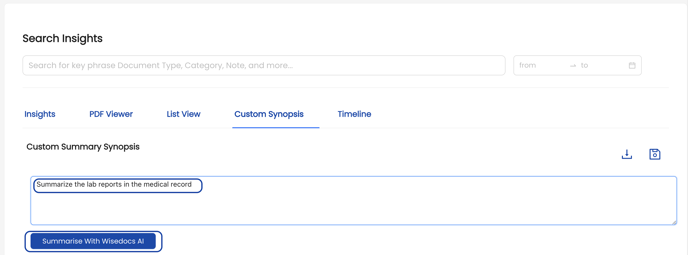
- Select the "Summarize With Wisedocs AI" button to begin summarization of your selected files.

- Our Wisedocs AI will create a generated summary according to your custom requirements and display this summary in the text box below. The custom summary will summarize the entire medical document and display the corresponding page number where the source document can be found. For this example, you can see that all the lab results within the medical record have been summarized on a page-by-page basis.
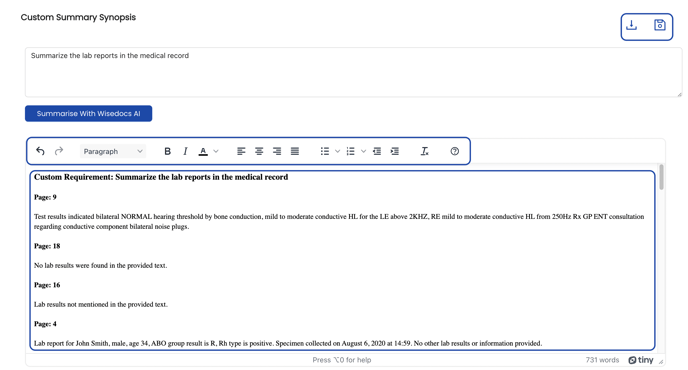
- Users are able to navigate to the summary and make any edits they wish. The Custom Synopsis page has an extensive tool bar that allows users to change the font size, style and orientation. Any editing changes reflected within the Custom Synopsis page will be reflected in the downloaded output.

- Once finished editing the summary, users can save their changes with the save button
 , and download their finished summary with the download button in the top right corner
  .
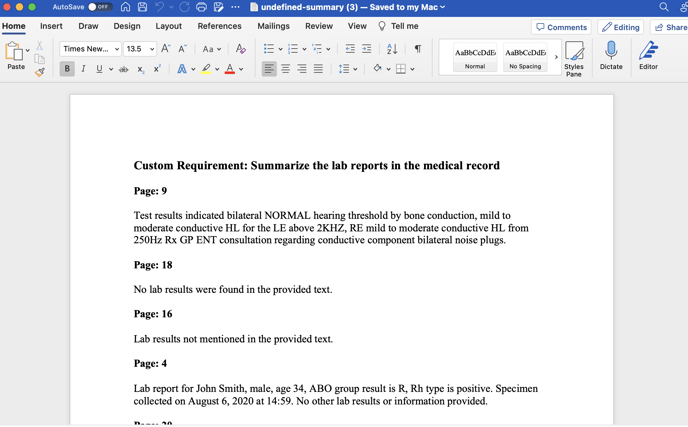
. - The summary will download as a default Microsoft word document.
Wisedocs' AI Insights Platform works in real-time, therefore use of our features may take anywhere from 15-30 seconds to generate your answers.
See below for a demo of Custom Synopsis: