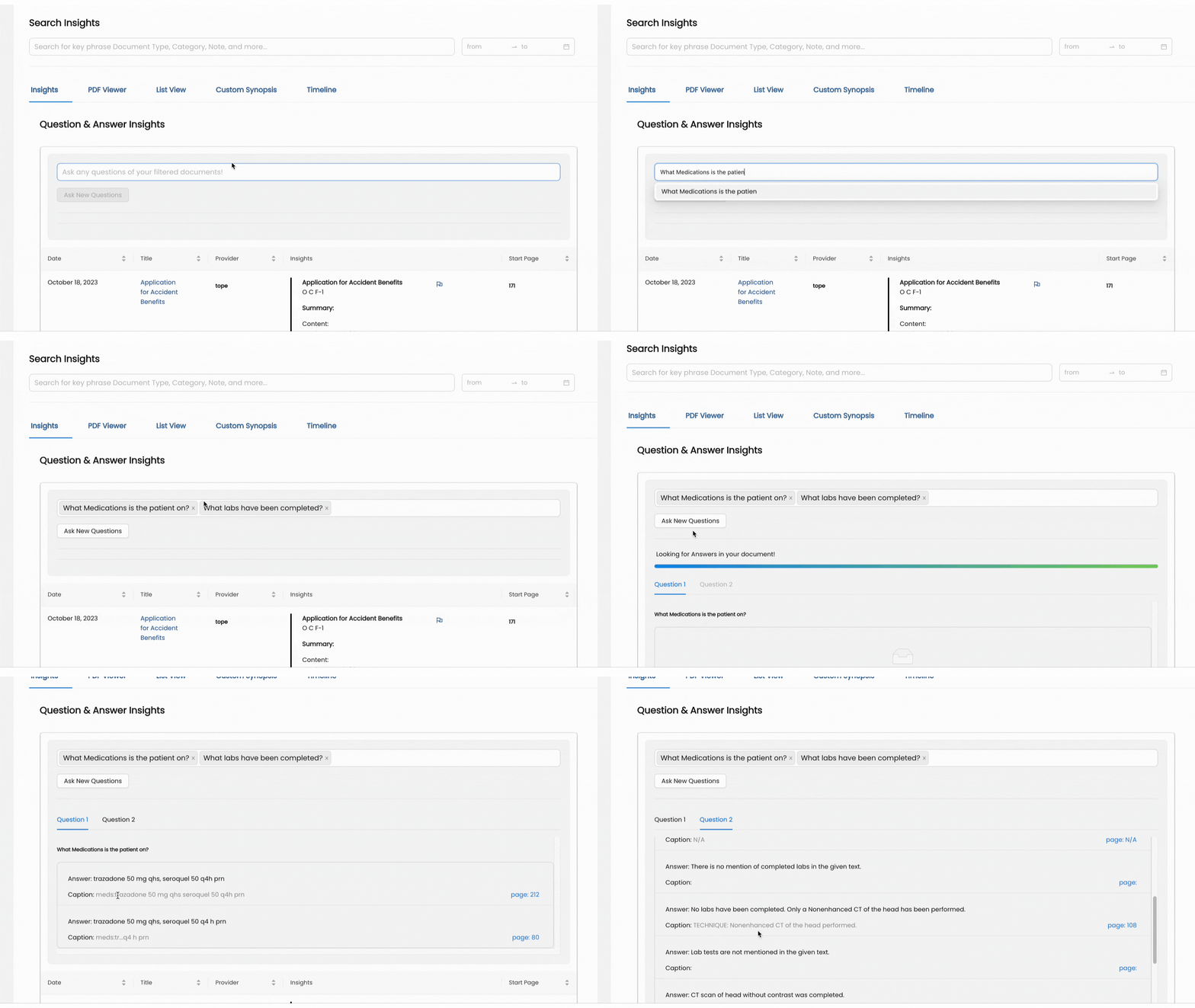
Wisedocs' Questions & Answer Insight feature allows our users to select from a list of standard questions, or custom enter queries, to receive an AI generated answer based on the medical documents.
How to Navigate to Question & Answer Insights
- Within the Wisedocs Insights platform, you will see the "Insights" feature in the top toolbar.
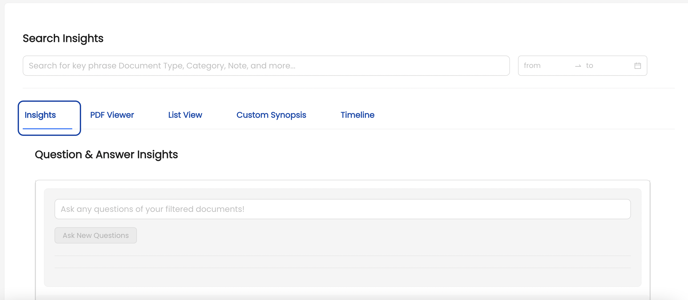
- Select "Insights" to access the Question & Answer Insights feature
To learn how to navigate the Insights Platform, see our Insights help article.
How To Use Question & Answer Insights?
- Navigate to the search bar within the Question & Answer page.
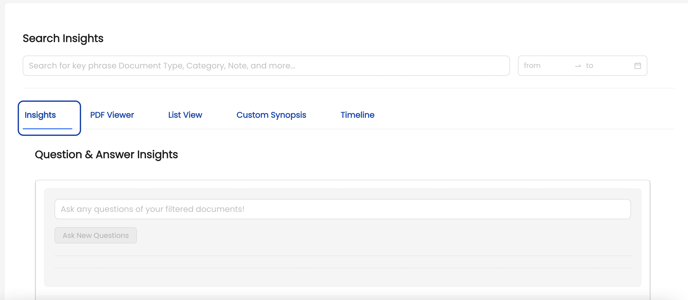
- Either select a question from the standard list of questions provided, or type in your custom question.
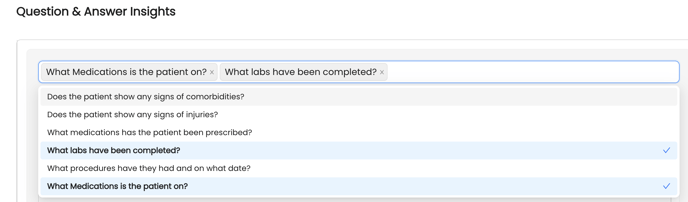
- Any custom entered questions will automatically be included in the dropdown for future use.
- Once ready, click the "Ask New Questions" button and let Wisedocs AI analyze the medical record to generate answers to your queries.

- Wisedocs AI will generate sentence structured answers to your questions and provide a caption with the content from the medical record and the corresponding page number for easy review.
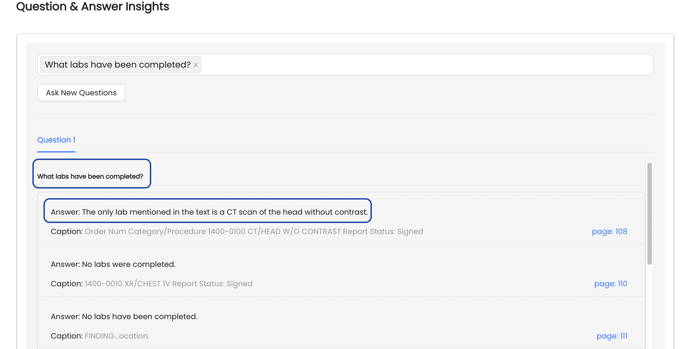
- Users are able to toggle between multiple questions asked by select the question in the ordered asked in the search bar.
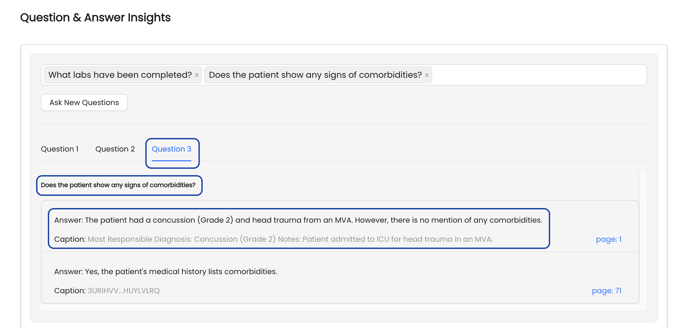
- Users also have the option to enter additional questions after the initial search, these new answer will appear beside the previous searches.
Wisedocs' AI Insights Platform works in real-time, therefore use of our features may take anywhere from 15-30 seconds to generate your answers.
See below for a demo: